
Use Doc-To-Help with Microsoft® Word to Produce Searchable Online Help, Policies & Procedures and More
Doc-To-Help makes it easy to create, manage and publish content to any format or device – all without leaving Microsoft® Word.
GET STARTED ON A FREE TRIAL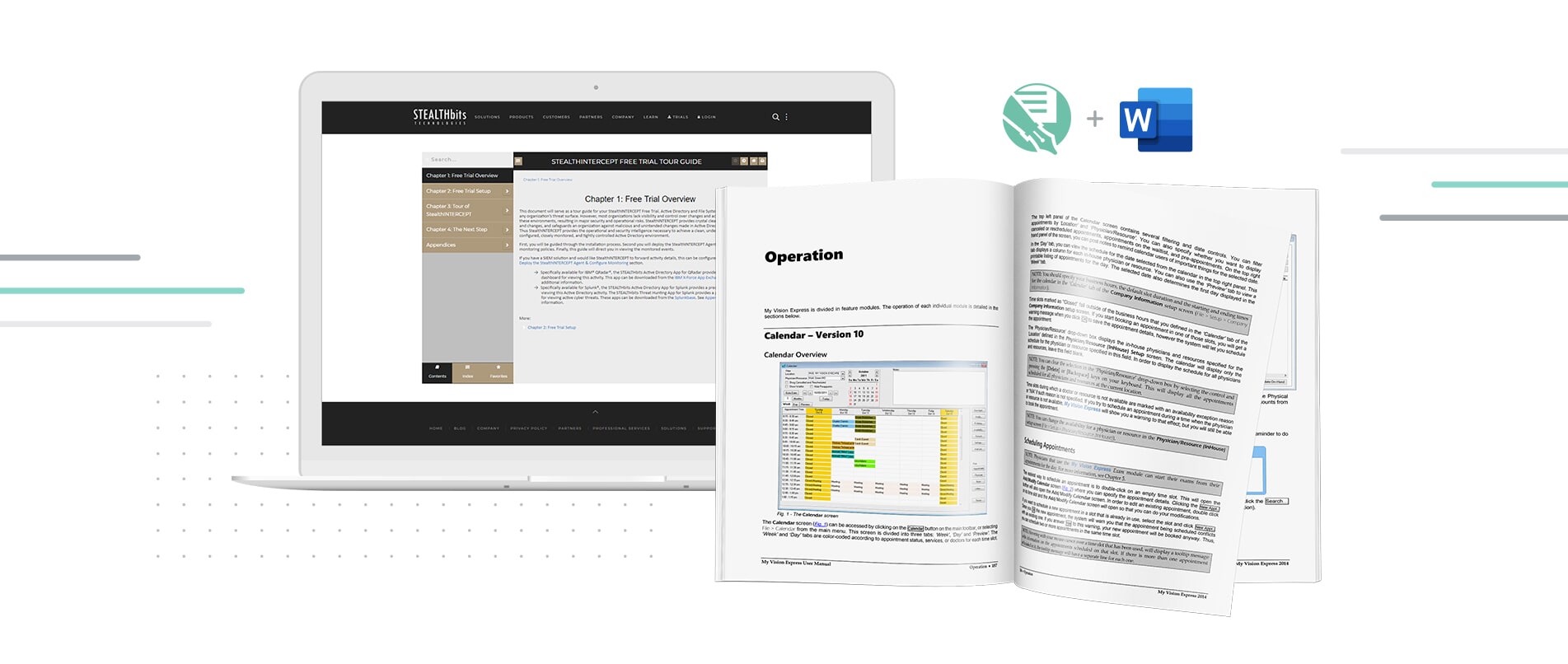

After a week of playing around with Doc-To-Help, I was hooked. I cannot imagine developing Word-centric technical documentation without Doc-To-Help. In my opinion, Doc-To-Help and Word are a match made in heaven.
PEGGY FENTON | Senior Technical Writer
Unlock Content Stuck in Word and Allow
Your Users to Find Information Easier
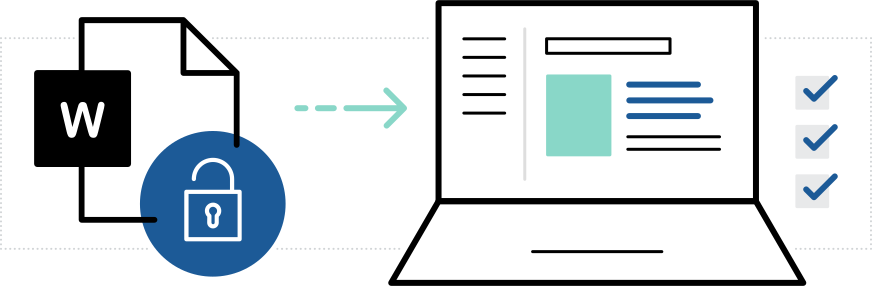
Turn your Microsoft® Word content into more user-friendly documents by automatically generating table of contents, indexes and more for enhanced search.
Publish Your Word Documents to Multiple
Outputs Including Responsive Web, PDF and ePub with a Single Click
Take advantage of the “Write Once, Publish Anywhere” paradigm and publish to any number of output types and devices. Doc-to-Help combines the ability to maximize content reuse and document management so you don’t have to maintain multiple variations of documents with shared content.

By using Doc-To-Help, our Help is now integrated into the application. Thanks to Doc-To-Help we have a centralized approach for managing all Data Portal Help Content (manual, user guide, procedures, etc.) generated by document creators/subject matter experts from various departments.
doreen marson | Technical Documentation Specialist
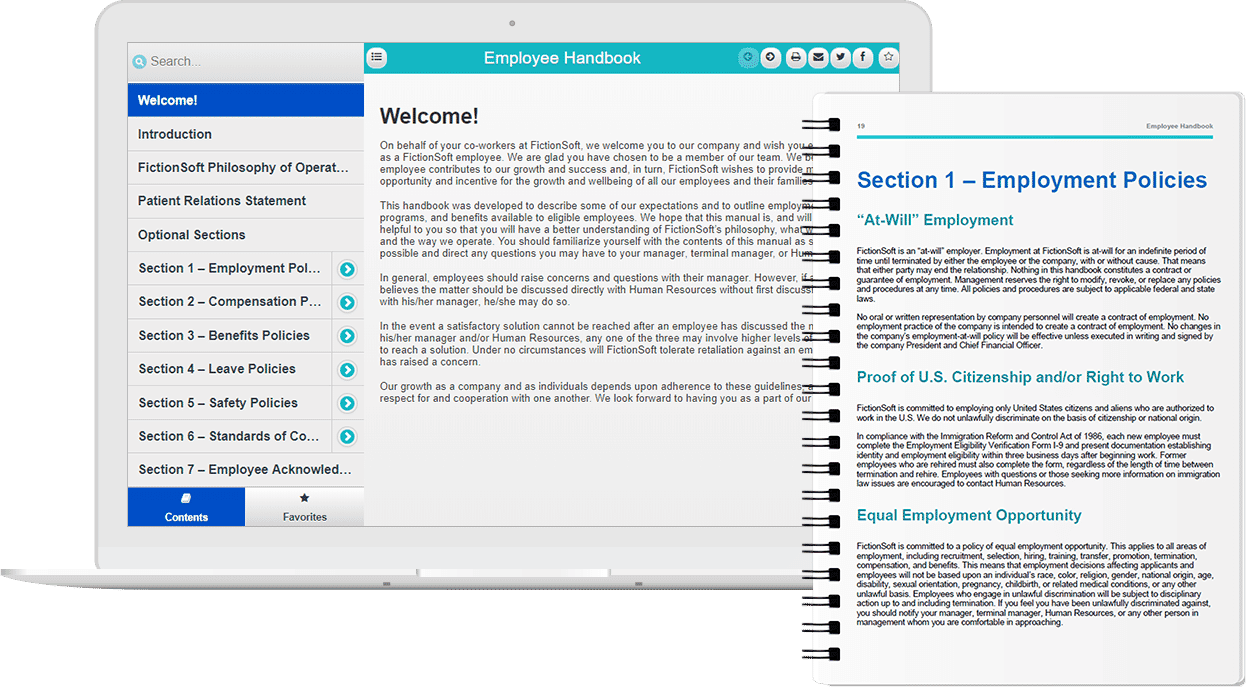
Take Advantage of Professional Pre-Written Manuals for Employee Handbooks and More
The professional pre-written manuals included with MadCap Doc-To-Help are rich with content, and include everything you need to customize important documents to fit your organization.
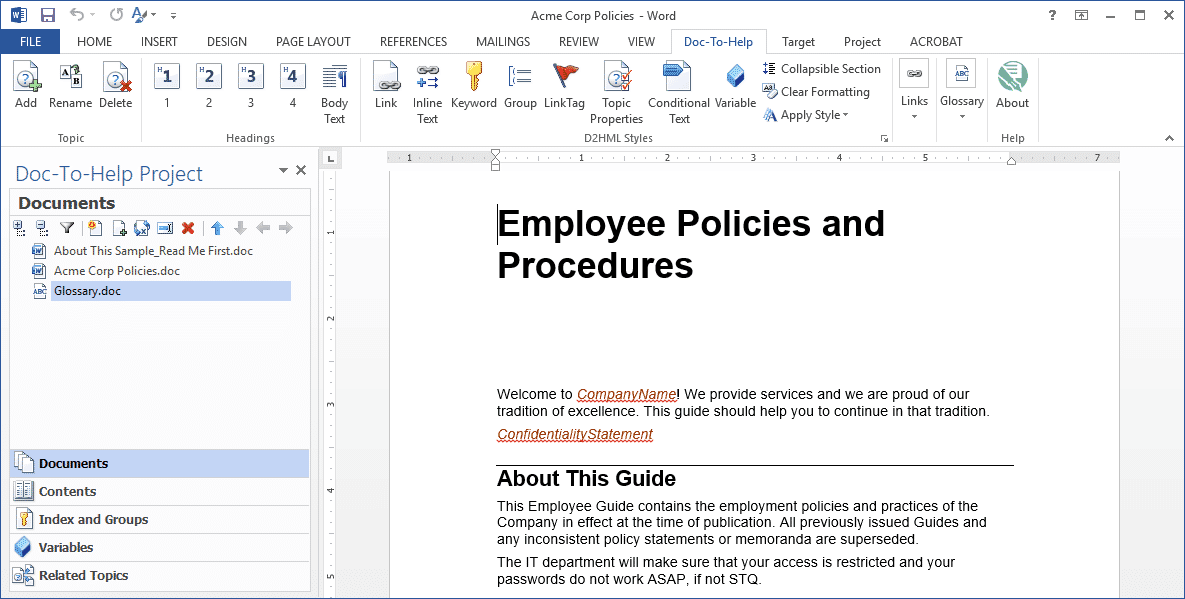
Tight Integration Means No Need to Leave Microsoft® Word
Doc-To-Help adds a special ribbon in Microsoft® Word to bring all of Doc-To-Help’s advanced features in a familiar authoring environment.
What’s New and What’s Happening at MadCap Software

NEW RELEASE
Doc-To-Help 6 Now Available
The latest release of Doc-To-Help adds support for Microsoft® Word 2019, improvements to NetHelp online output, and much more.

READ OUR BLOG
MadBlog
Stay up-to-date with the latest news, tips and insights in the technical communication and content development community.


